2.1 Reports and manuscripts with Quarto
Open the slides in a new tab here.
Exercises
Open up your epi590r-in-class project. Make sure you’re starting with a fresh session and you’ve committed and pushed all your changes from yesterday.
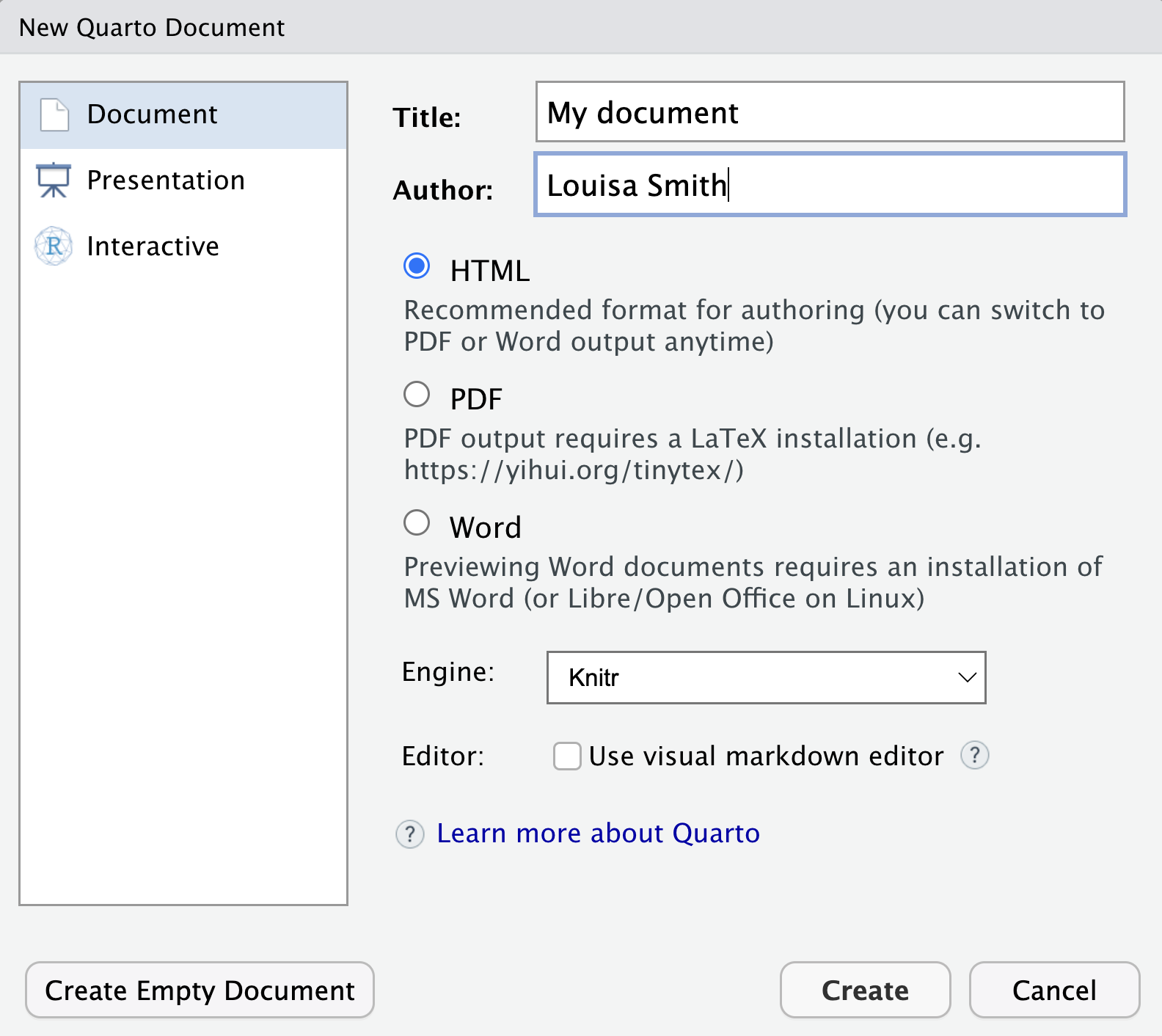
Create a new Quarto html document.
File > New File > Quarto Document
Render it.
Play around. Run each of the chunks. Toggle between the Source and Visual modes. Show the outline. Try changing the options for where the output appears. Try different formats (see the slide for options; or the (documentation)[https://quarto.org/docs/output-formats/all-formats.html])
Resources
- The quarto website is an amazing resource
- Feel free to look at the source code of this site
- Markdown syntax guide
Additional resources for R Markdown will have a lot of overlap: